Assigning a Role to a Group

Prerequisite

Access Manager role

Procedure

  1. Call up the Access management > Groups menu.
  2. Select the required group from the overview.

    The group details are displayed in the Details tab, in the detailed view on the right.

  3. In the detailed view, go to the Assigned roles tab.

    mac_groups_assigned roles 2024-01

  4. Click add_border.

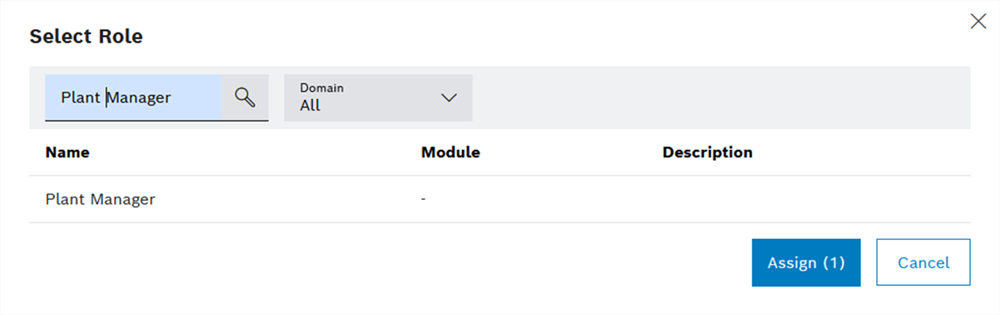
    The Select role dialog window appears.

  5. To limit the number of roles, implement the following settings:

    In the Domain drop-down list, select the module in which the required role is located.

    Or:

    Enter the required role designation in the Search text field.

  6. Select the required roles.
  7. Click Assign.

The selected roles are added to the group and are displayed in the detailed view in the Assigned users tab.