In the Domain drop-down list, select the module in which the required role is located.
Or:
Enter the required role designation in the Search text field.
In the detailed view on the right, the role data is displayed in the Details tab.
When a user name is clicked, the Nexeed Industrial Application System changes to the Access Management > Users menu.
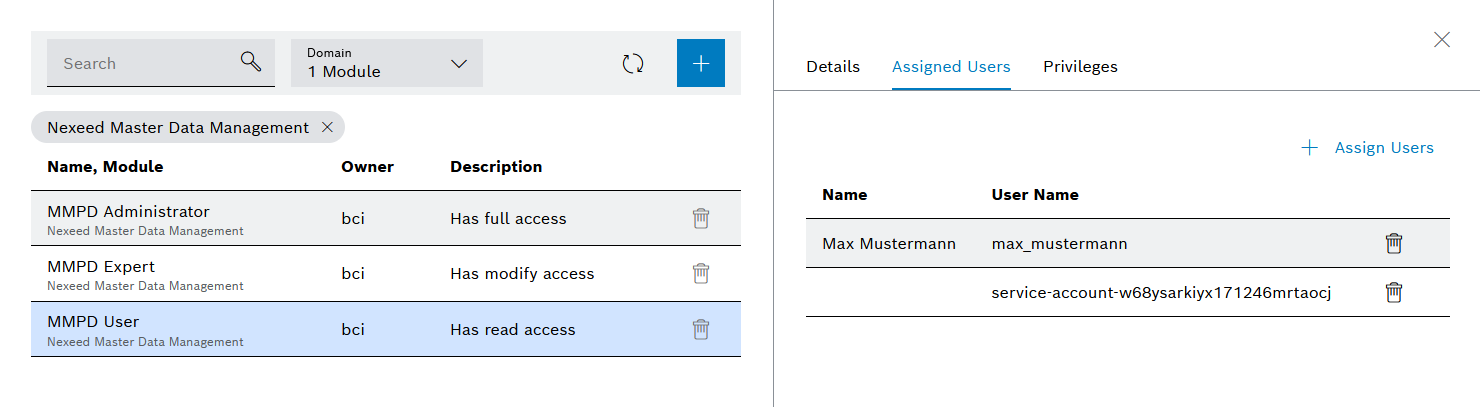
User names preceded by service-account- and followed by an alphanumeric code (example: service-account-w68ysarkiyx171246mrtaocj) identify modules. The alphanumeric code corresponds to the client ID of the module.
 .
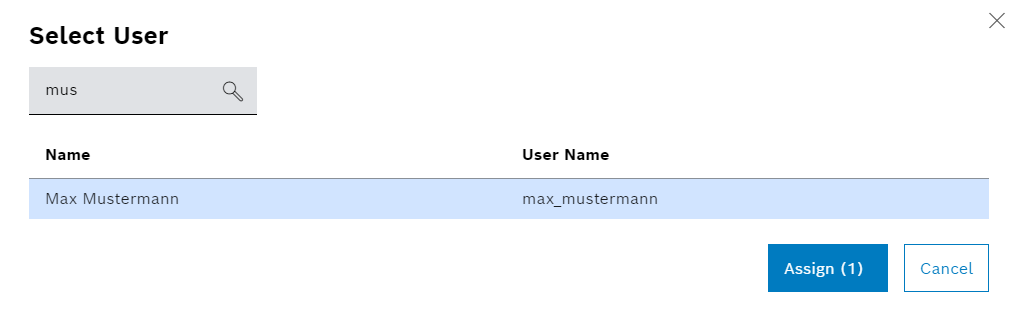
.The Select user dialog window will appear.