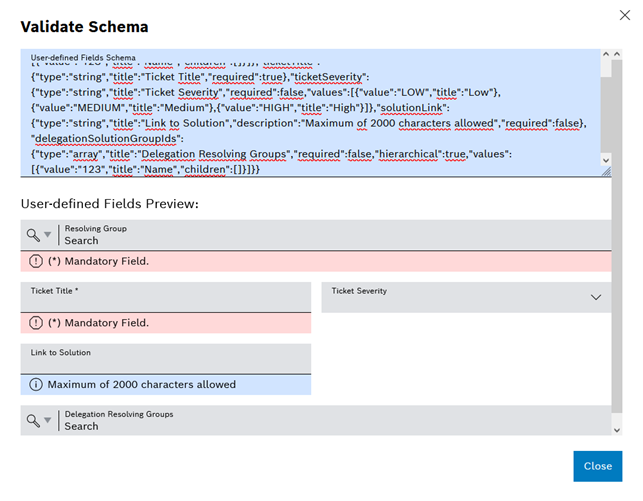
Validate schema.
The schema for user-defined fields of a reaction executing system can be validated manually to simplify integration for developers of reaction executing systems and correct any errors in advance.
Requirements
Procedure
Validate schema.
The user-defined fields of the entered schema are displayed in the preview.